
How to Search Johnston County Court Records
Court cases in Johnston County are searched through the North Carolina eCourts Portal. The portal lets you look up case summaries, find hearing dates, search judgment indexes, and pay many fines and fees. You do not need an account to view public case information. Frequent users can register to save cases in a My Cases folder. North Carolina finished moving all 100 counties onto the Enterprise Justice (Odyssey) system by October 13, 2025, so Johnston County cases now sit in the same statewide search as every other county.
Before you start, gather what you know. A full name helps. A case number helps more. North Carolina case numbers have four parts: a two-digit year, case-type letters, a six-digit sequence, and a three-digit county code, like 21CR000003-910. If you only know part of it, the portal allows wildcard searches. Pick the right module too, since Smart Search returns case summaries, Search Hearings returns court dates, and NC Judgment Search returns judgment index entries.
The case search interface is the place where most lookups begin.
The search screen opens at the North Carolina eCourts Portal, the official entry point for case searches.
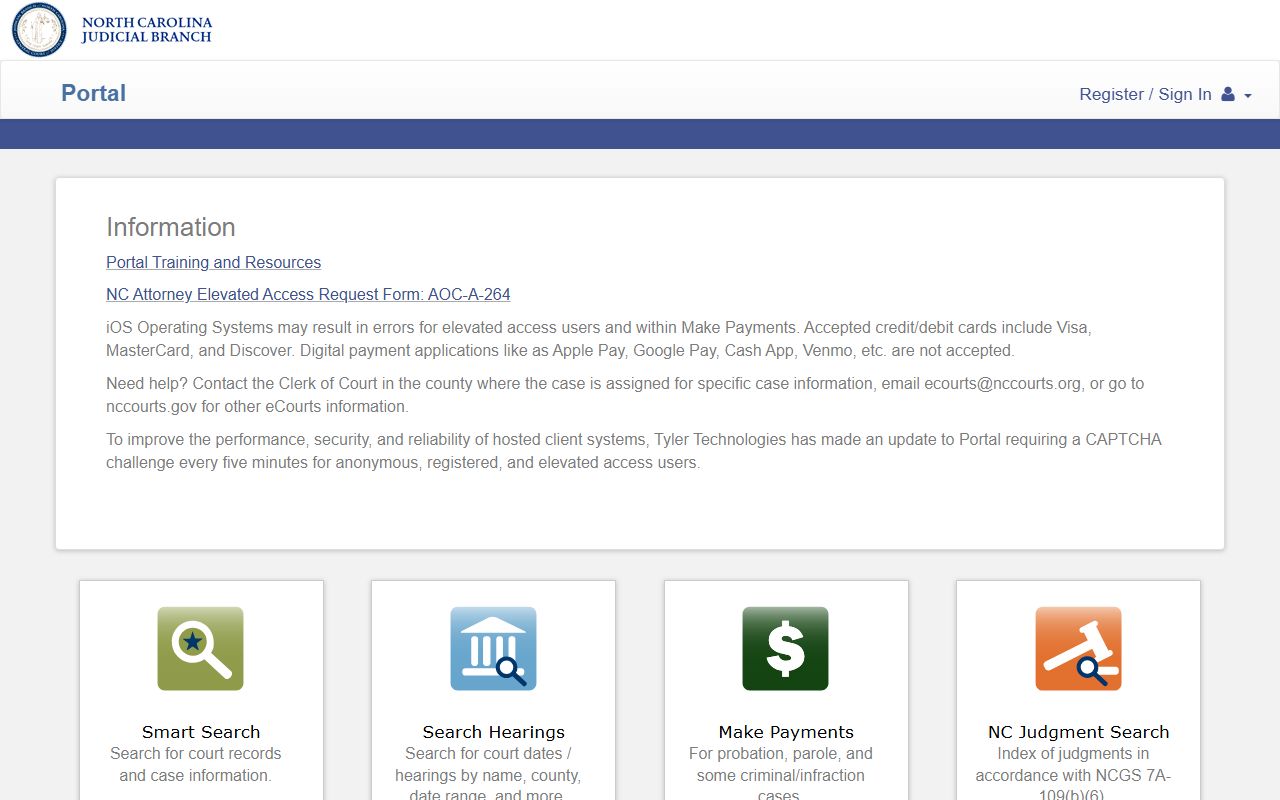
From that screen you choose Smart Search, then enter a name or case number to begin. Use the steps below to run a basic Johnston County court records search.
- Start at the Judicial Branch services page or the county landing page and open the Portal.
- For case details, choose Smart Search. Search by case number for the cleanest match, or by party name when no number is known.
- When using a name, apply the wildcard rules only as needed: at least three last-name characters plus an asterisk, and at least one first-name character plus an asterisk.
- Open Advanced Filtering Options if the results are broad. Set the location to Johnston County and narrow by case type, status, date of birth, or filing date range.
- Read the case summary, then request a certified copy from the clerk if you need one for court.
For court dates only, use Search Hearings instead. For liens and judgments, start with NC Judgment Search and then open the related case in Smart Search. The official training material walks through each module in order.
The Portal training and resources page explains Smart Search, Search Hearings, the case-number format, and the wildcard rules.
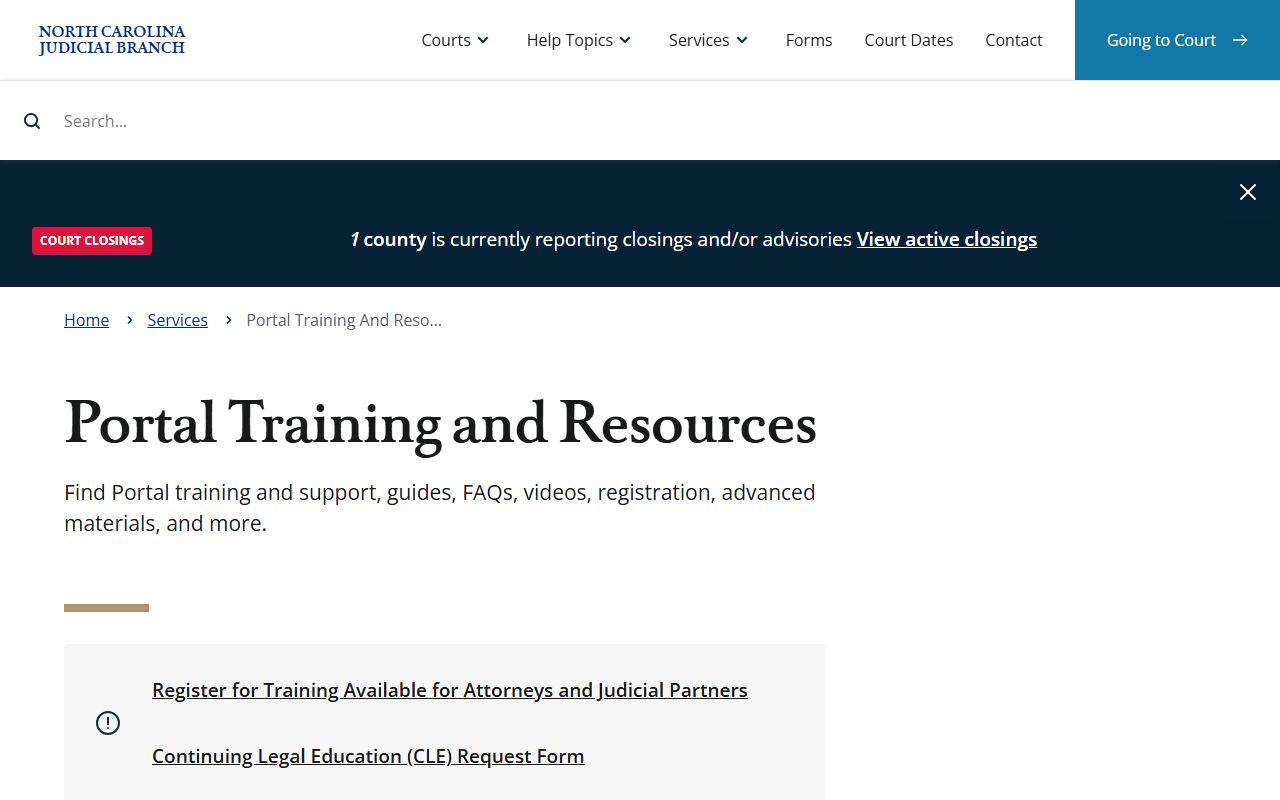
That page is the most reliable guide when a search returns too many results or none at all.
Note: a Johnston County court records search on the portal shows public docket data, but the portal is not the official record, and certified copies still come from the clerk.
Johnston County Court Records Search Fields
Smart Search is the main tool for case lookups, and it accepts several kinds of input. You can search by party name, record number, citation number, attorney name, attorney bar number, business name, case cross-reference number, or a nickname. The Advanced Filtering Options block adds general options, party search criteria, and case search criteria. Set the location to Johnston County to keep results local. Use a date of birth when you have one, since it trims a long list of common names down fast.
The table below lists the Smart Search fields and how each one behaves.
| Field Label | Type | Required | Notes / Format |
|---|---|---|---|
| Smart Search criteria | Text | Yes to search | Party name, record number, citation number, attorney name, bar number, business name, cross-reference, or nickname. |
| Advanced Filtering Options | Expandable filters | No | General options, party search criteria, and case search criteria. |
| Location | Dropdown | No | Choose Johnston County for local cases. |
| Party name | Text | No | Last name 3+ chars plus *, first name 1+ char plus *. |
| Date of birth | Date | No | Narrows criminal and name searches where shown. |
| Case type | Dropdown | No | Civil Actions, Special Proceedings, Estates, Criminal Actions. |
| Case status | Dropdown | No | Filters by status; exact values vary by case type. |
| Case filing date range | Date range | No | Limits results to a window of filing dates. |
The same wildcard rules cover business and case-number searches. For a business name or nickname, enter at least four characters plus an asterisk. For a partial case number, enter at least four characters plus an asterisk. Search Hearings and NC Judgment Search use their own field sets, but the location filter for Johnston County works the same way across all three.
Types of Johnston County Court Records
The Johnston County courts make many kinds of records. Most are public, but several case types carry confidentiality rules. The eCourts Portal covers public case types, while restricted matters need elevated access or a court order. Different divisions produce different records, so it helps to know which court handled a matter before you search. Superior Court hears felonies and larger civil disputes. District Court hears misdemeanors, smaller civil suits, family cases, and traffic. The Clerk of Superior Court keeps estate and probate files.
Here are the main record types and where they come from.
- Criminal records - felony files from Superior Court, plus misdemeanor and infraction files from District Court.
- Civil records - lawsuits, judgments, evictions, and money disputes split by dollar amount across the courts.
- Family records - divorce, custody, child support, and domestic violence protective orders handled in District Court.
- Probate and estate records - wills, estates, and guardianships kept by the Clerk of Superior Court as judge of probate.
- Traffic court records - citations and infractions paid or contested through District Court.
- Judgments and liens - civil, family, small claims, and criminal index entries found through NC Judgment Search.
Documents within these files include complaints, answers, motions, orders, warrants, indictments, pleas, judgments, and sentencing orders. For deeper searches, the Johnston County court dockets page covers hearing calendars, and the arrest records page covers recent bookings.
What Johnston County Court Records Show
A Johnston County court record is built from many fields. A public case summary in the portal can show the case number, the parties, the filing date, case events, hearings, dispositions, and financial details when they apply. Causes of action appear for civil, family, probate, and mental health cases. Assignment and party information show too. Social Security numbers should not display to any user. The table below breaks down the common fields and what each one tells you.
| Field | What It Shows |
|---|---|
| Case Number | Year, case-type letters, six-digit sequence, and county code, such as 21CR000003-910. |
| Court Location | County, division, courtroom, and hearing location when one is set. |
| Parties | Plaintiff and defendant, or the State and defendant, plus attorneys where listed. |
| Filing Date | When the action opened or the citation or warrant was filed. |
| Charges / Cause | The offense charged or the legal claim raised. |
| Case Events | Filings, motions, orders, continuances, hearings, and notices. |
| Disposition | The outcome of a charge or case. |
| Financials | Costs, fines, restitution, attorney fees, and judgment amounts when shown. |
Some documents are viewable online and some are not. Sealed, juvenile, and protective-order materials are held back from public view. For a complete file, you may still need to visit the clerk in the county where the case sits. The Judicial Branch posts plain-language help for viewing records and getting copies.
The state's help topic on obtaining court records explains how to view a record and how to ask for a copy.
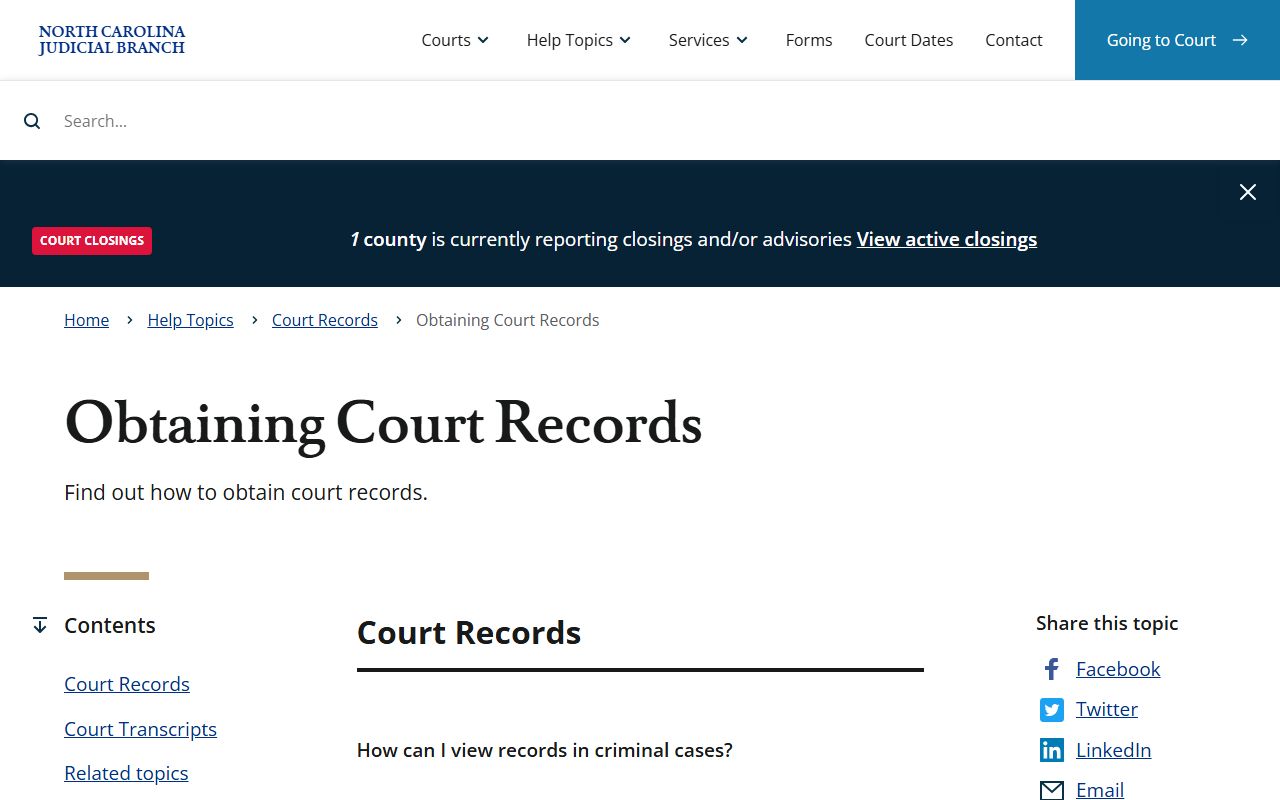
That page is a good reference when you are not sure whether a document is online or held only on paper.
Public Access Laws for Johnston County Court Records
North Carolina treats public records as the property of the people. The state's public-records law begins in Chapter 132, and several court-specific statutes shape what you can see. Any person may inspect records and get copies, and the law says you do not have to explain why you want them. Court files held by the local clerk are different from the administrative records kept by the state court office. A request for Johnston County case files goes to the clerk, not to a state public-record form.
Fees follow the same rules statewide. Inspection is free. Copies are charged at actual cost. The clerk can charge for certified copies and for a certified criminal record search. Large or complex requests may carry a special service charge. The key statutes are linked below in plain terms.
Key Statutes:
North Carolina G.S. 132-1 - defines public records broadly and states they belong to the people.
North Carolina G.S. 132-6 - gives anyone the right to inspect and copy records and allows online view or print access.
North Carolina G.S. 132-6.2 - sets copy fees at actual cost and allows special service charges for large requests.
North Carolina G.S. 7A-109 - supports the statewide judgment indexes behind the portal's search tools.
The Judicial Branch lists the broad services that sit behind these laws, including the portal, electronic filing, and public-record requests.
The state's Judicial Branch services page gathers the Portal, File & Serve, Guide & File, and public-record request links in one spot.
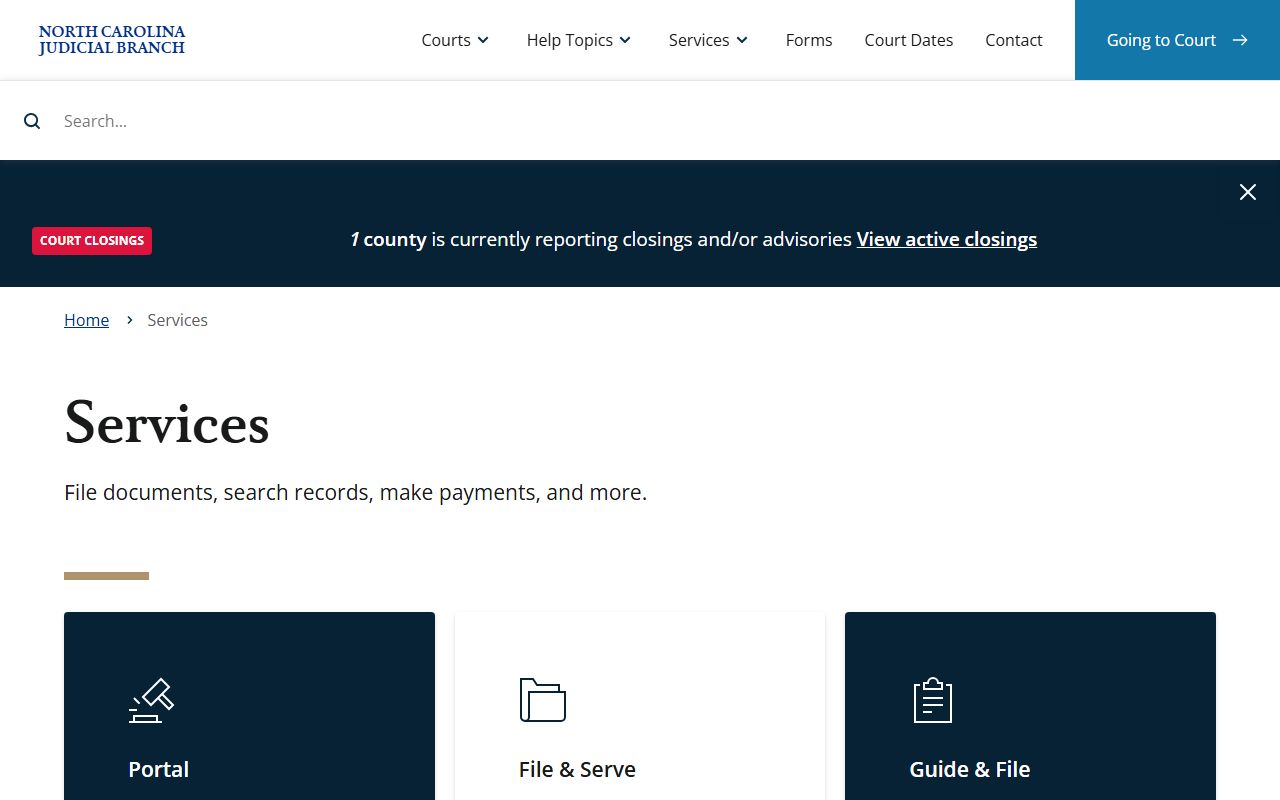
That page helps you tell a court case request from a vital-records or land-records request, which go to other offices.
Note: You do not have to state a reason for wanting a Johnston County court record, and inspection at the courthouse carries no charge.
Records That Are Sealed or Confidential in Johnston County
Not every court record is open. North Carolina law walls off several categories. Juvenile court files fall under Chapter 7B and are not ordinary public records. Adoption records are confidential. Mental health and involuntary commitment records are protected. Sealed and expunged matters drop out of public view by court order or statute. The portal also flags unreturned criminal warrants and protective orders as examples that need elevated access. Social Security numbers should never show in the portal for any user.
Juvenile confidentiality comes mainly from G.S. 7B-3000, which limits access to parties, attorneys, and court-authorized people. Expunction is the legal process that removes qualifying criminal matters from public access, and the main adult statute is G.S. 15A-145.5. If a record was expunged, it is removed from public view, and any confidential agency file behind it follows its own rule. To view a sealed record, a person usually must show legal standing and ask the court to unseal it.
The expunction pathway is set out in North Carolina G.S. 15A-145.5, and juvenile confidentiality is set out in North Carolina G.S. 7B-3000.
Do not assume a missing online case means no case exists. Older paper files, newly filed matters, and data-entry timing all affect what shows up in a public search. When a file is restricted, the clerk can tell you what access, if any, the law allows.
Certified Criminal Record Searches in Johnston County
The portal is not a background-check product. The Judicial Branch says people running a background check should use the county clerk's office, not the public portal. For a formal result, the clerk runs a certified single-county criminal record search. That search uses Form AOC-CR-314 and carries a fee. The result is a certified document, which a portal printout is not.
The state explains the certified search and what it covers.
The criminal background check help topic describes the certified single-county criminal record search and the form to use.
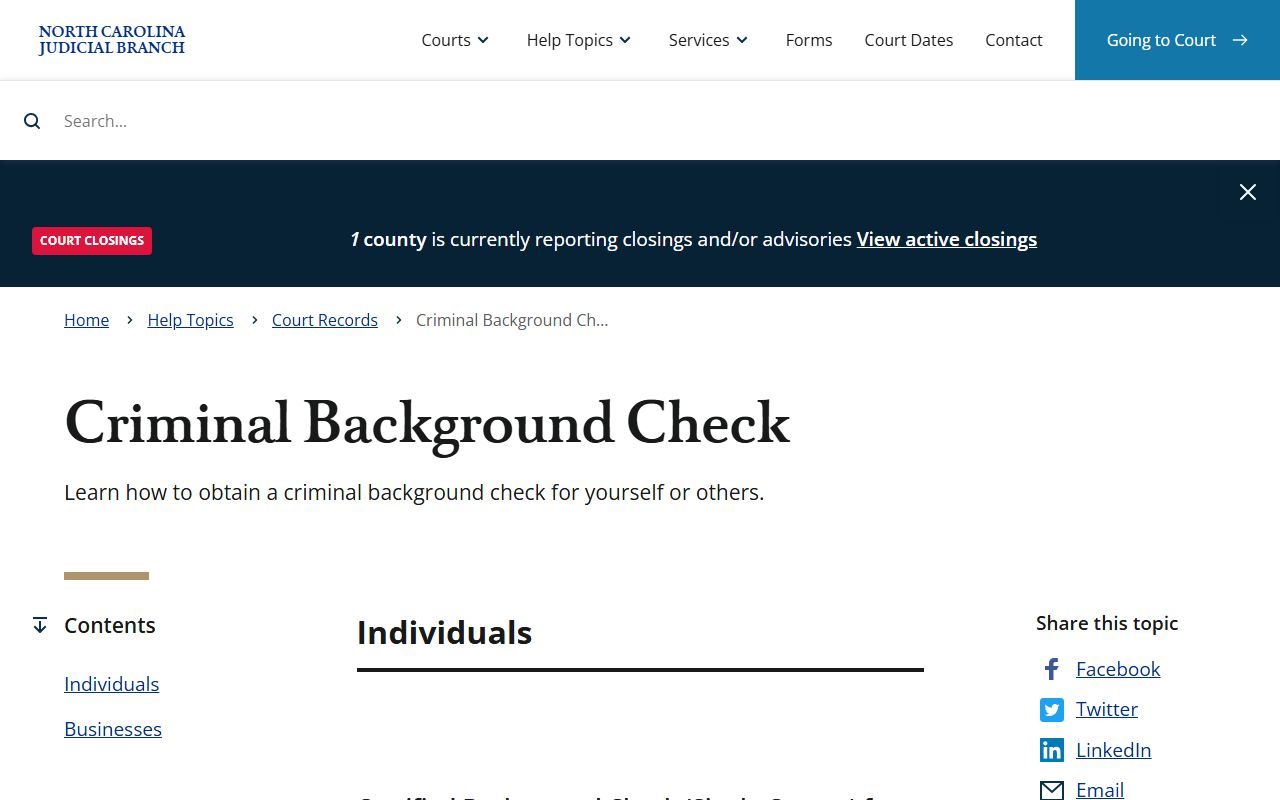
That page is the right starting point when a portal search is not enough for employment, housing, or court use. The table below lists the common record fees from official sources.
| Item | Amount |
|---|---|
| Certified single-county criminal record search (Form AOC-CR-314) | $25.00 |
| State court office copy, per page | $0.25 |
| Record inspection at the courthouse | No charge |
The fee for the certified search is fixed, while plain copies are billed per page. Inspection stays free. For broader background work, the clerk can point you to the right form, but the office cannot give legal advice.
Why Johnston County Court Records Are All Online Now
For years, North Carolina counties used an older paper-based system, and online access varied. That changed with the statewide eCourts rollout. As of October 13, 2025, all 100 counties run on Enterprise Justice, also called Odyssey, and feed the same public portal. Johnston County was part of the early rollout, so its cases have been in the modern system for a while. The shift means a single search now reaches court data across the state.
The implementation timeline is posted by the courts.
The eCourts implementation page confirms that all 100 counties moved to Odyssey by October 13, 2025.
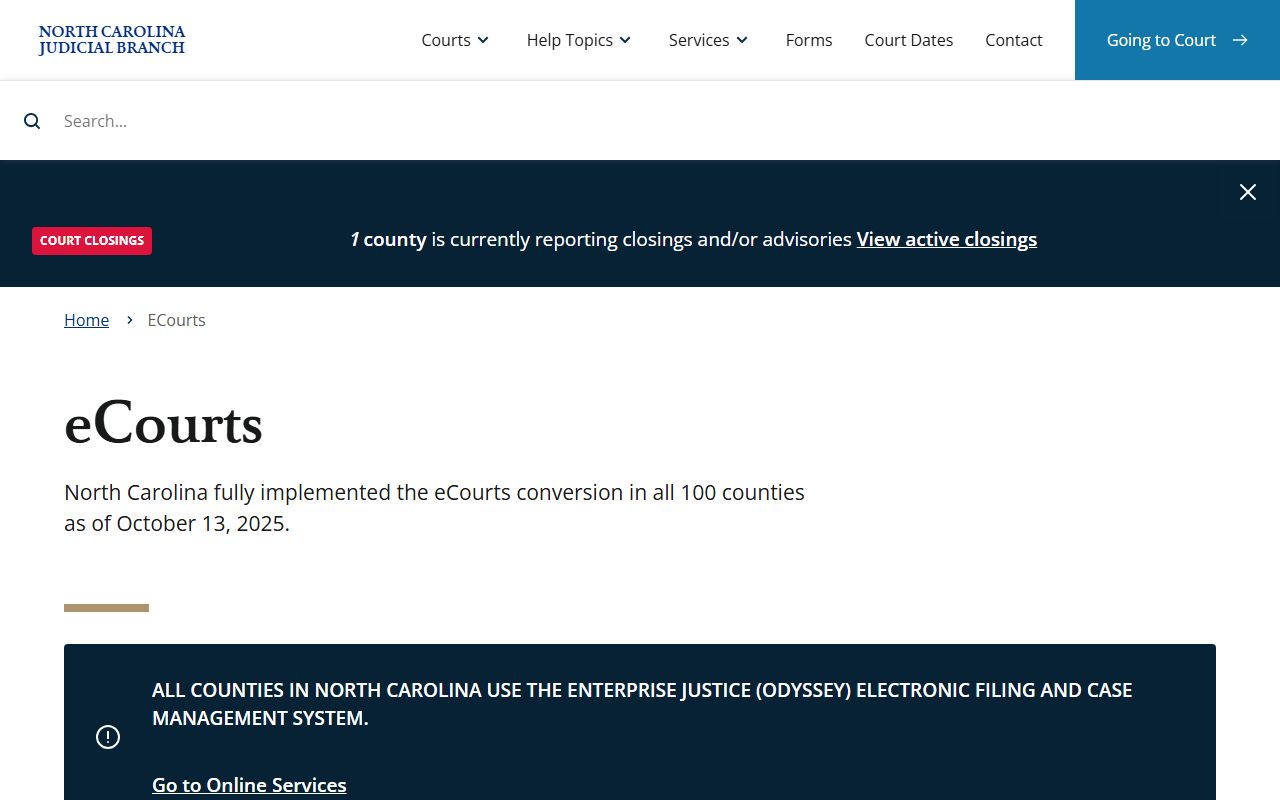
That page is useful background when an older guide or third-party site still describes the legacy system. The portal is provided by the state court office to widen public access, and there are no fees to view or print case documents. Certified copies and clerk-produced documents are the exception, and those still carry the statutory fees noted above.
In-Person Court Record Requests
Some files are paper-only, and some users prefer to work at the counter. The clerk's office sits in the Johnston County Courthouse in downtown Smithfield. Bring the case number if you have it, and bring a valid ID. Staff can hand you forms and explain procedure, but they cannot give legal advice or fill out forms for you. Call ahead to confirm hours before you drive in.
Johnston County Clerk of Superior Court
207 E Johnston St
PO Box 297
Smithfield, NC 27577
(919) 209-5400
Monday-Friday, 8:00 AM-5:00 PM
The main visitor entrance is at Second and Market Streets, and an accessible ramp sits at the Second Street atrium entrance. Mail requests for certified copies must include payment, and the clerk is the records custodian for both superior and district court files. For probate and estate files, the same clerk serves as judge of probate.