
What Is a Johnston County Court Docket
A docket is a court calendar. It lists the cases scheduled for a court session, with the date, the time, the location, the hearing type, the judicial officer, and the courtroom. A docket tells you when and where a matter will be heard. It does not hold the filings themselves. Think of it as the day's lineup, not the case file. In Johnston County, dockets cover criminal calendars, civil sessions, family court, traffic dates, and other matters set for hearing across the county's courts.
Dockets differ by court division. Superior Court handles felony criminal cases and civil disputes over $25,000, so its dockets list trial sessions, motions, and pleas in those larger matters. District Court is the busier day-to-day court. It hears misdemeanors, civil cases between $10,000 and $25,000, family law, juvenile matters, and traffic. District Court dockets fill fast because the volume is high. Both divisions sit in the same Smithfield courthouse, and both publish their hearing calendars through the same statewide system.
A docket is a public record under North Carolina law. The hearing schedule shows public calendar data without exposing confidential filings. That means you can see that a case is set for a date, but sealed, juvenile, or protected matters will not show their underlying documents. The calendar view is meant for scheduling, not for deep file review.
How to Find Johnston County Dockets Online
Johnston County court dockets are searched through the North Carolina eCourts Portal at portal-nc.tylertech.cloud/Portal/. The portal has a tool called Search Hearings that pulls current court calendars by location and time. North Carolina finished moving all 100 counties onto the Enterprise Justice (Odyssey) system by October 13, 2025, so Johnston County calendars sit in the same statewide search. You do not need an account to view public hearing data. The portal is free to use for viewing and printing.
Search Hearings asks you to pick a location first, then a hearing type, then a search type. For Johnston County, set the location to Johnston County. The search type lets you find a calendar by case number, party name, business name, attorney name, attorney bar number, judicial officer, or courtroom. Most people search by party name or case number. The clerk who keeps these records is Michelle Ball, the elected Clerk of Superior Court. Use these steps to run a Johnston County court docket search:
- Open the eCourts Portal and choose Search Hearings.
- Select Johnston County as the location.
- Pick the hearing type, then choose a search type such as party name or case number.
- Enter your search term and run the search.
- Review the calendar entries for the date, time, courtroom, and judicial officer.
The Judicial Branch also keeps a public-records request form for administrative court records that are not case files.
You can review the state's Judicial Branch public-records request form when you need administrative records rather than a case calendar.
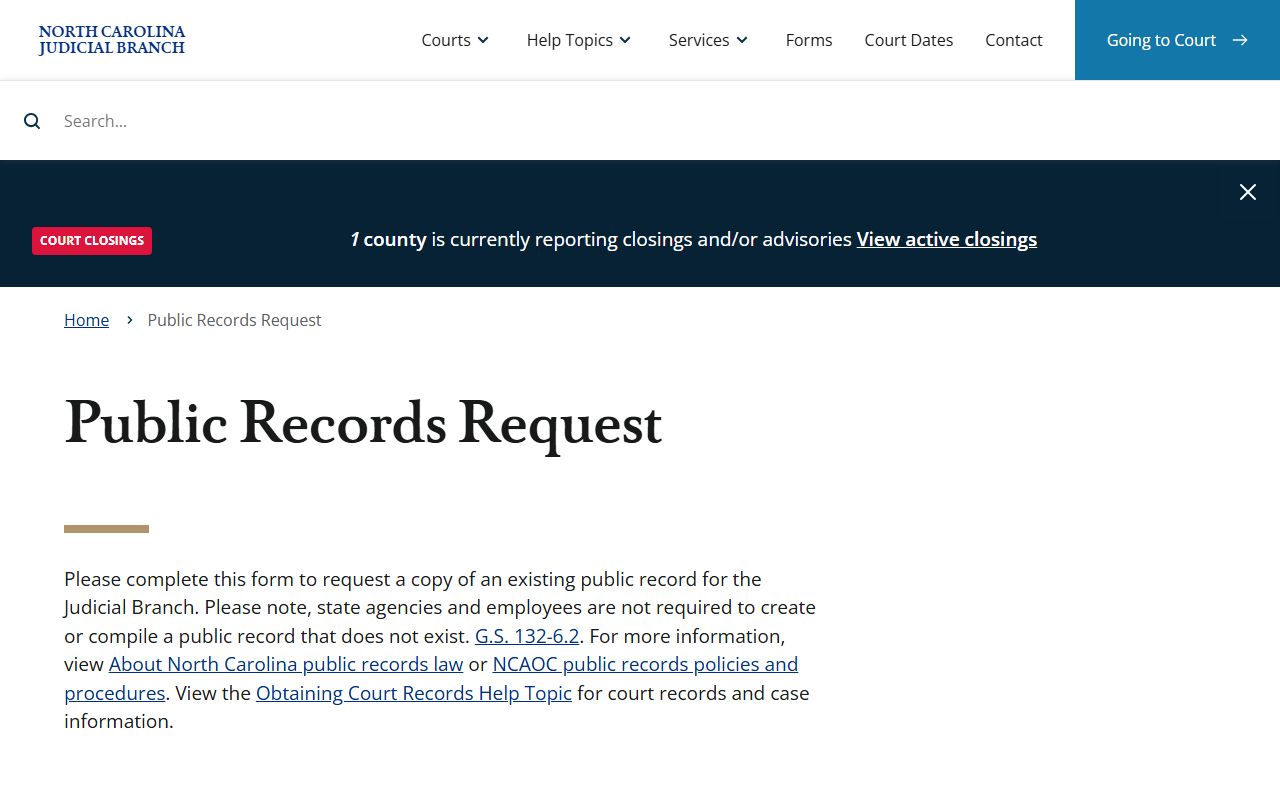
That form is for administrative records, not Johnston County case calendars, so use the portal's Search Hearings tool for hearing dates. Note: the Search Hearings view shows public hearing data, but it is not the official court record and certified copies still come from the clerk.
Searching Johnston County Hearings by Field
The Search Hearings tool uses a small set of fields. You start with the required filters, then narrow by a single search type. Only the field tied to your chosen search type needs a value. The table below lays out the fields drawn from the official portal, with the type, whether it is required, and notes on how each one works.
| Field Label | Type | Required | Notes |
|---|---|---|---|
| Location | Dropdown | Yes | Select Johnston County or the court location. |
| Hearing Type | Dropdown | Yes | Pick location, hearing type, then search type. |
| Search Type | Radio / dropdown | Yes | Case Number, Party Name, Business Name, Attorney Name, Attorney Bar Number, Judicial Officer, or Courtroom. |
| Case Number | Text | Conditional | Used when the case-number search type is selected. |
| Party Name | Text | Conditional | Used when the party-name search type is selected. |
| Business Name | Text | Conditional | Used for a business-name search. |
| Attorney Name | Text | Conditional | Used for an attorney-name search. |
| Attorney Bar Number | Text | Conditional | Used for a bar-number search. |
| Judicial Officer | Text / dropdown | Conditional | Used to search by judge or officer. |
| Courtroom | Text / dropdown | Conditional | Used to search by courtroom. |
| Search | Button | n/a | Runs the hearing search. |
The state keeps a plain-language FAQ about how its public-records law works.
The FAQ about North Carolina public-records law explains who can ask for records and what stays open.
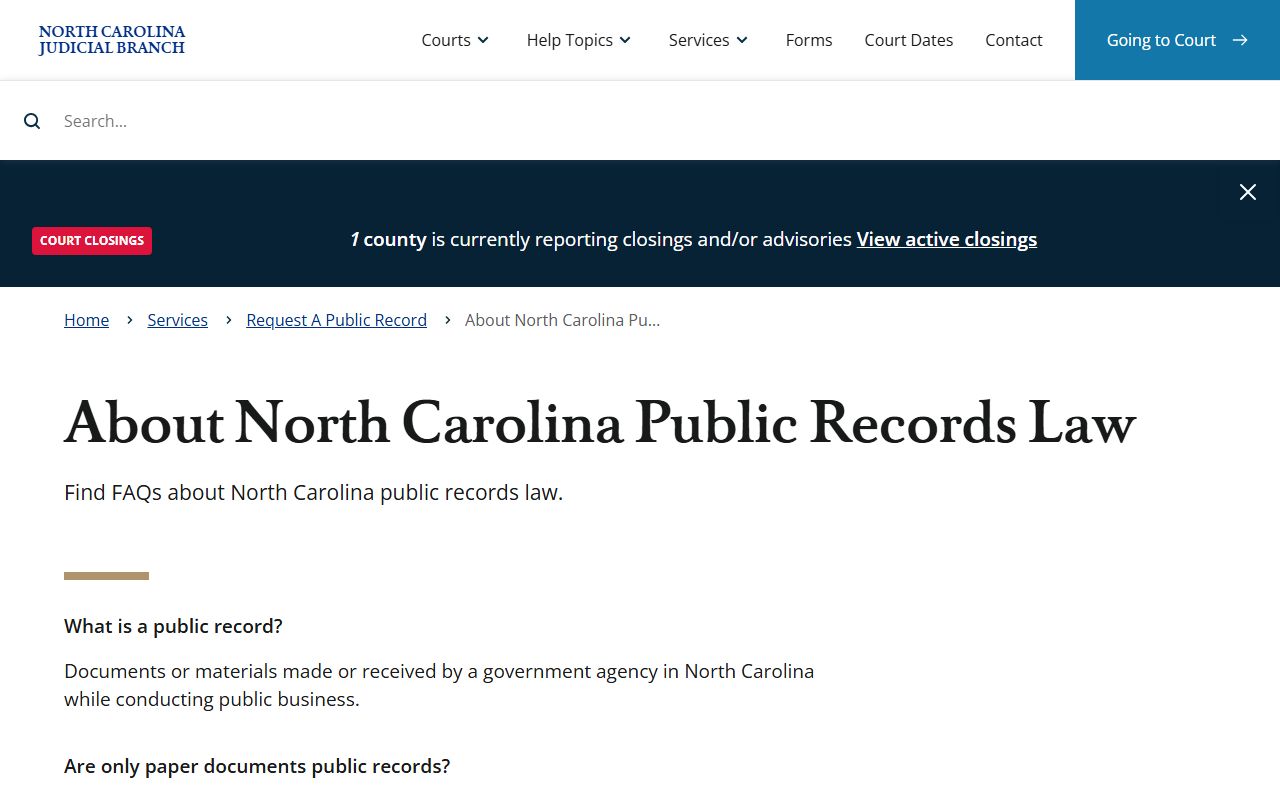
That FAQ is a good primer before you request anything beyond what the docket shows online.
What a Johnston County Docket Entry Shows
When a calendar search returns a result, each hearing entry packs several fields into one line. The entry tells you when the matter is set and who will hear it. It does not show the motions, exhibits, or orders behind the case. The table below breaks down the fields you can expect on a Johnston County court docket entry and what each one means.
| Field | What It Shows |
|---|---|
| Hearing Date | The calendar day the matter is set to be heard. |
| Time | The session start time, often a morning or afternoon block. |
| Location | The courthouse and county where the session is held. |
| Hearing Type | The kind of proceeding, such as a first appearance, motion, or trial. |
| Judicial Officer | The judge or magistrate assigned to the session. |
| Courtroom | The specific courtroom where the case will be called. |
These fields make a docket useful for planning. You can confirm the room before you drive to Smithfield. You can see if a judge is set. But a docket entry is a snapshot of the schedule, not proof of an outcome. For dispositions, judgments, and filed documents, you need the full case record through Smart Search or the clerk.
Courts That Publish Dockets in Johnston County
North Carolina runs one unified, state-operated court system. There is no separate city or county court patchwork. That keeps things simple for Johnston County searchers, because all local calendars come from the same statewide portal. Johnston County sits in Superior Court District 13, District Court District 12, and Prosecutorial District 13. Both trial divisions hold sessions at the Smithfield courthouse and post their hearing calendars through eCourts.
Here are the courts whose dockets you can find for Johnston County:
- Superior Court - felony trial sessions, civil cases over $25,000, and misdemeanor appeals heard fresh from District Court.
- District Court - misdemeanor calendars, smaller civil suits, family court, juvenile matters, and traffic sessions.
- Magistrates - small claims under $10,000, first appearances, and other district-level matters as scheduled.
The NCAOC also publishes its public-record policies, including fee and exemption rules.
The NCAOC public-record policies page covers fees, exemptions, and mediation for records the state office holds.
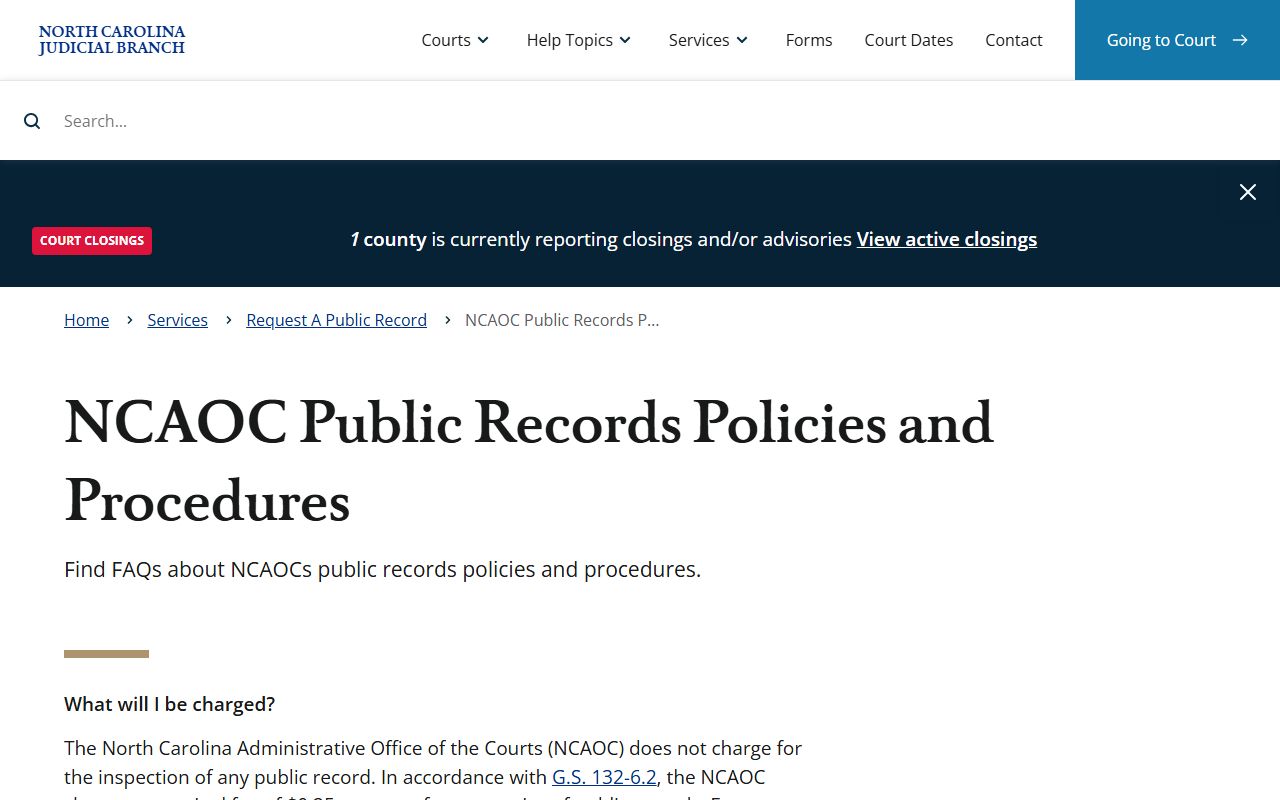
Keep in mind those NCAOC policies apply to administrative records, while Johnston County case calendars come straight from the eCourts Portal.
Docket vs. Full Case Record in Johnston County
A docket and a full case record are not the same thing. The docket is the calendar. It lists when a hearing is set. The full case record is the file. It holds every filing, event, motion, order, disposition, and judgment in the matter. People mix these up all the time. A docket can tell you a case is set for Tuesday at 9:00 AM in a given courtroom, but only the full record shows what was filed or how the case ended. The table below sets the two side by side.
| Docket | Full Case Record | |
|---|---|---|
| What It Is | A scheduled hearing calendar | The complete case file |
| Contents | Date, time, location, hearing type, officer, courtroom | All filings, events, dispositions, judgments |
| Tool | Search Hearings in the portal | Smart Search or the clerk's office |
| Access | Public and free to view | Public docket data online; certified copies from the clerk |
| Best Use | Plan a courthouse visit, track a date | Review the outcome, get certified proof |
To move from a docket entry to the full record, use Smart Search in the same portal. Smart Search returns the Case Summary and Register of Actions, with party information, case events, hearings, dispositions, and financial details when they apply. For anything you need certified for legal use, the docket and Smart Search are not enough. You contact the Clerk of Superior Court for an official or certified copy.
North Carolina's public-records law sits at the root of all of this.
You can read the full North Carolina Public Records Act in Chapter 132 to see how the state treats government records.
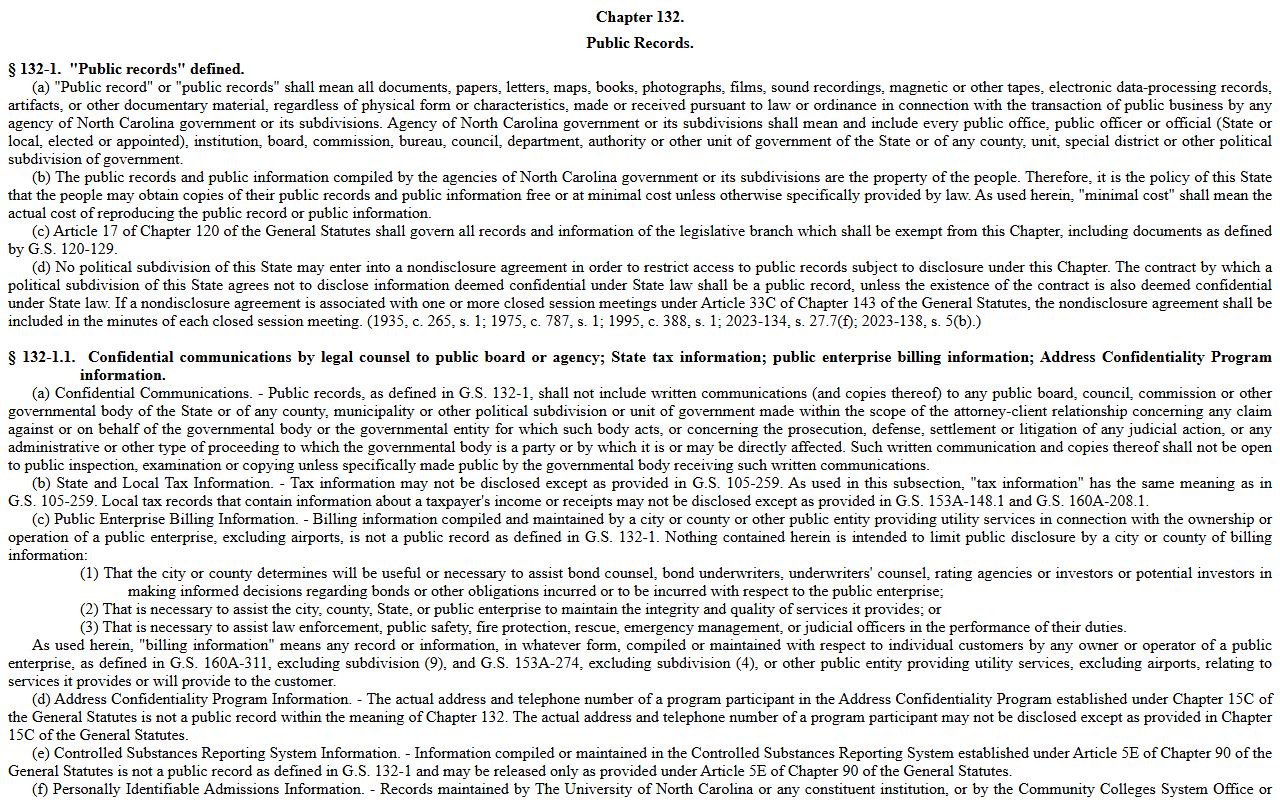
That chapter is the legal backbone behind why Johnston County dockets are open to the public in the first place.
Continuances and When to Call the Johnston County Clerk
Court dates move. A continuance is when a hearing is pushed to a later date. Judges grant them for many reasons, such as a missing witness, a new attorney, or a crowded calendar. When a case is continued, the docket updates with the new date. That is why a docket you printed last week may already be out of date. Always check the calendar again close to the hearing day. Online data can lag the real schedule by a day or two.
If the docket is unclear, or a date does not match what you were told, call the clerk. The Johnston County Clerk of Superior Court can confirm a current setting and explain a calendar entry. Keep your case number ready when you call, since it speeds up the lookup. The clerk's office handles court files, while the Register of Deeds keeps land, marriage, and vital records.
Note: A docket can change without warning, so confirm any hearing date with the clerk before you travel to the courthouse for a setting that matters.
Traffic Dockets in Johnston County
Traffic cases make up a large share of the District Court calendar. Citations and infractions are set on traffic dockets, often grouped by session and courtroom. A traffic docket shows the court date for a citation, the defendant, and the courtroom. Impaired driving is treated as a criminal matter, not a simple infraction, so a DWI moves through the criminal calendar instead. You can find a traffic court date the same way you find any hearing, by using Search Hearings and selecting Johnston County.
The legal definition of a public record under state law sets the baseline for what these calendars show.
See North Carolina G.S. 132-1 for how the state defines a public record.
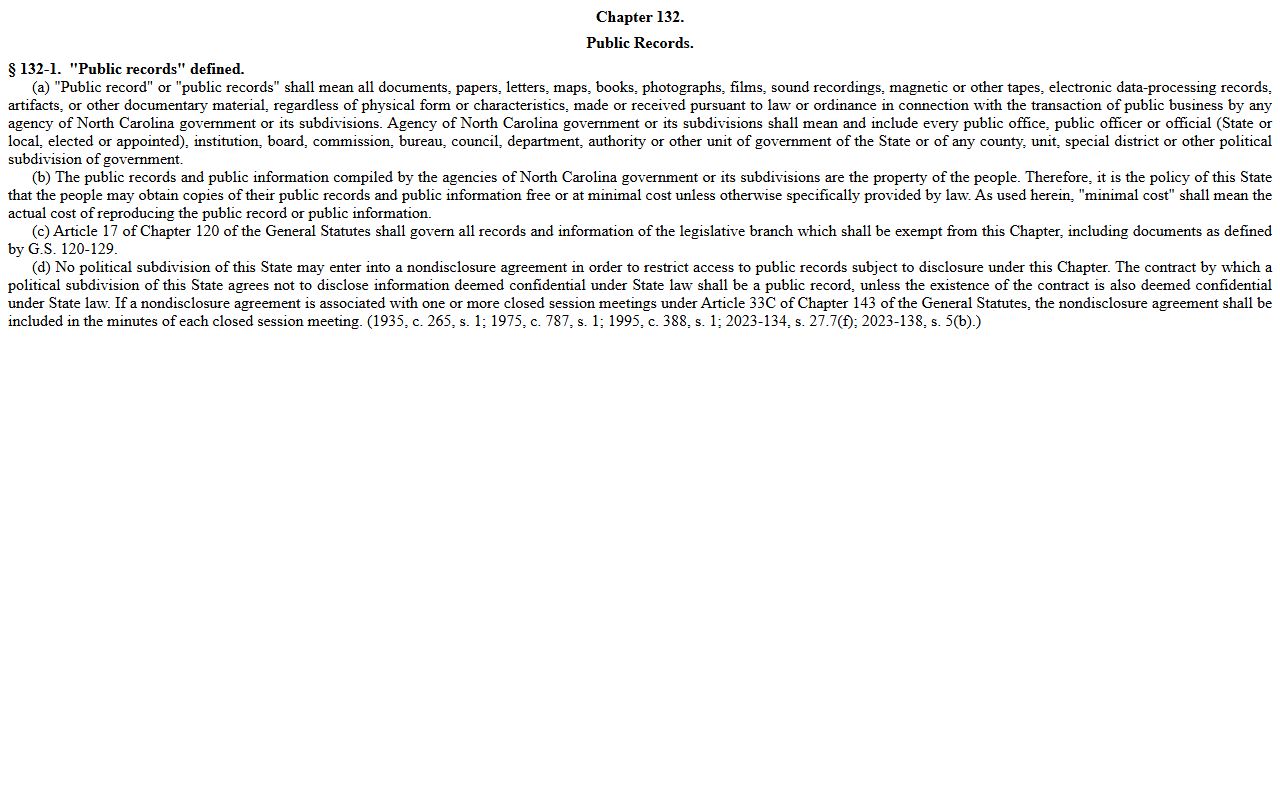
That statute is why a traffic docket is open while the sensitive parts of a file may stay closed. For citation lookups, payment options, and the split between a court traffic record and a state driver record, see the Johnston County traffic court records page.
The right to inspect and copy records is set out in a separate section of the same chapter.
Read North Carolina G.S. 132-6 for the inspection, copy, and online-access rules.
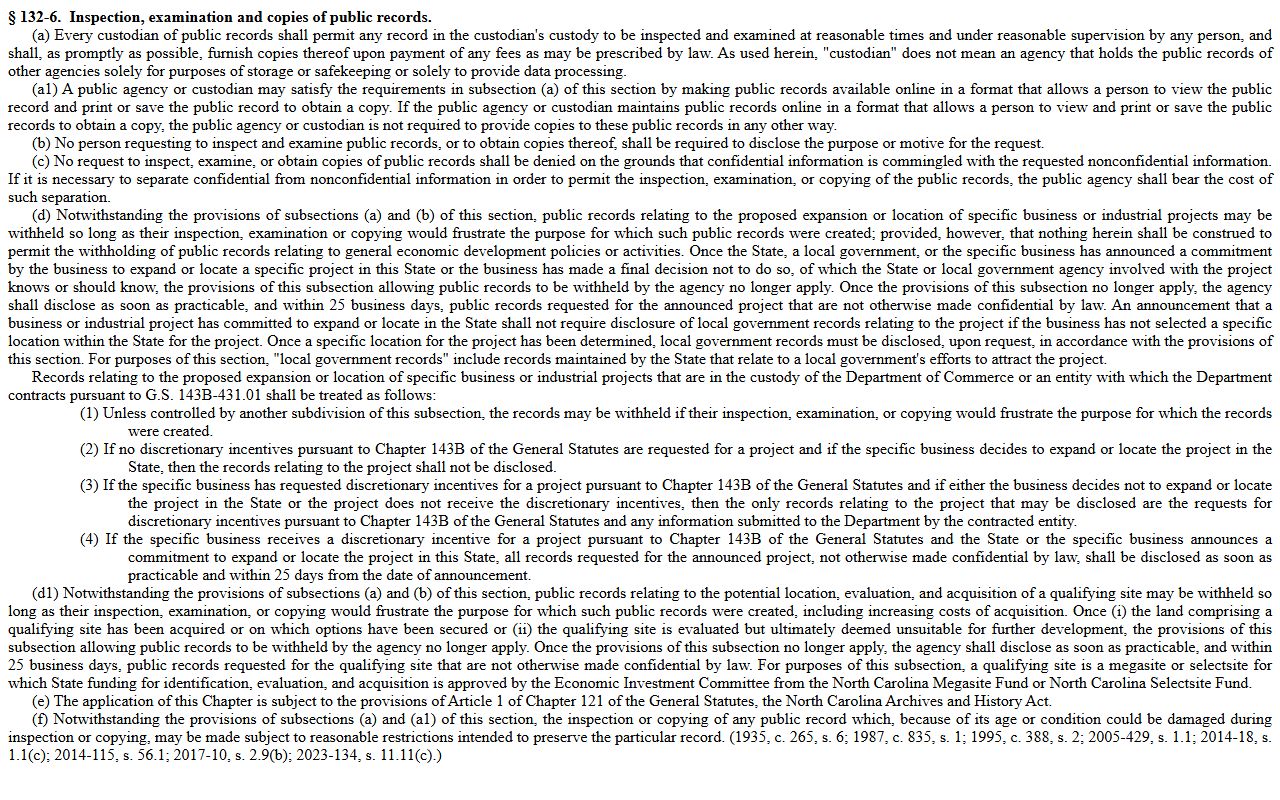
That section lets agencies meet access by posting records online in view or print form, which is exactly how the eCourts dockets work.
How to Read a Johnston County Docket
Court calendars use shorthand. A few terms come up again and again, and knowing them makes a docket far easier to read. The list below covers the common ones you will see on a Johnston County court docket entry.
- Hearing Type
- The kind of proceeding set, such as a first appearance, a motion, or a trial.
- Judicial Officer
- The judge or magistrate assigned to call the session.
- Continuance
- A court date moved to a later day.
- Disposition
- The outcome of a charge or case, found in the full record rather than the calendar.
- Failure to Appear
- A missed court date that can trigger an order for arrest or other penalties.
The case number is the key to it all. North Carolina case numbers have four parts: a two-digit year, case-type letters, a six-digit sequence, and a three-digit county code, like 21CR000003-910. The county code ties a case to its home county. When you read a docket, match the case number to the party name to make sure you have the right matter. If two entries share a name, the case number tells them apart.
A docket does not show guilt or innocence. It shows that a case is set to be heard. The outcome lives in the full case record. For statewide indexing rules that sit behind the portal's searches, the law spells out which categories are kept and indexed.
The authority for that indexing is North Carolina G.S. 7A-109, which supports the statewide judgment and case indexes.