
What Probate Covers in Johnston County
Probate is the court process that settles what a person leaves behind. In Johnston County it runs through the Clerk of Superior Court, who acts as judge of probate. The clerk admits wills, opens estates for people who die with or without one, and watches over how an estate is paid out and closed. The same office hears certain special proceedings. These include guardianship of minors and incapacitated adults, partition of land among co-owners, adoptions, and some trust matters. Estate files and special-proceeding files both live with the clerk, even though the cases work in different ways.
Because there is no separate probate judge in North Carolina, "probate court" in Johnston County usually means the Estates and Special Proceedings functions of the clerk's office. The clerk's role is both administrative and judicial. Staff process applications, file inventories and accountings, and the clerk can rule on disputes that come up while an estate is open. A decedent's real property can show up here too, since the clerk handles partitions and other proceedings that affect land. For the recorded deed itself, that goes to the Register of Deeds, a separate office.
Probate Terms Defined
Probate files use a handful of legal words that trip up first-time searchers. A quick read of these terms makes the case index easier to follow. Court staff can explain procedure, but they cannot give legal advice, so it helps to know the basics before you call or visit.
- Testator
- The person who made the will. When a testator dies, the will is offered to the clerk for probate.
- Executor
- The person named in a will to carry out its terms. The clerk issues letters testamentary that give the executor authority to act.
- Intestate
- Dying without a valid will. State law then sets who inherits, and the clerk appoints an administrator to settle the estate.
- Guardianship
- A court relationship where a guardian is appointed to act for a minor or an incapacitated adult. The clerk hears these as special proceedings.
- Conservatorship
- A guardian-type role focused on managing money and property for a person who cannot handle their own financial affairs.
How to Search Johnston County Probate Records
Most estate and non-confidential special-proceeding cases can be found through the North Carolina eCourts Portal at portal-nc.tylertech.cloud/Portal/. The portal's Smart Search lets you look up a case by a party name or a case number. You can filter by Johnston County and by case type, including Estates and non-confidential Special Proceedings. Information about estates and special-proceeding cases can also be viewed at the public self-service terminals in any clerk's office. For the full file, you visit the clerk in the county where the case sits, and staff can make copies for a fee.
Older estates and paper-only documents may not appear online. If a name does not return a result, that does not always mean no case exists. Start broad, then narrow. Here is a simple path for a Johnston County probate records search:
- Decide whether the matter is an estate, a will, a guardianship, a trust, or a special proceeding.
- Open the eCourts Portal Smart Search and set the location to Johnston County, with the Estates or Special Proceedings filter when it is available.
- Search by name: the decedent, the petitioner, the fiduciary, or another party.
- If the case does not appear online, call the Clerk of Superior Court Estates or Special Proceedings staff at (919) 209-5400.
- Visit the clerk's office to review the paper file in person.
- For certified or official copies, ask the clerk and pay the current copy and certification fees.
Note: the portal helps you find a public estate or special-proceeding file, but it is not the official record, and certified copies still come from the clerk.
Estate Search Fields on the Portal
The eCourts Portal uses the same Smart Search box for estates that it uses for other case types. You do not need every field. A name alone often works, and a case number works best. The table below lists the fields that matter when you look up a Johnston County estate or special proceeding.
| Field Label | Type | Required | Notes |
|---|---|---|---|
| Smart Search criteria | Text | Yes | Search by party, name, or case number. |
| Location | Filter | Optional | Set to Johnston County. |
| Case type | Filter | Optional | Estates; Special Proceedings (non-confidential). |
| Filing date range | Date range | Optional | Helps narrow older estate files. |
| Party criteria | Text / date | Optional | Decedent, heir, or party names where indexed. |
If you know a will book and page or a recorded instrument number instead, that points you to the Register of Deeds rather than the clerk. Keep both options in mind when a single search comes up empty.
Where Probate Is Handled in Johnston County
There is one office to remember. The Clerk of Superior Court, Michelle Ball, serves as the judge of probate for Johnston County. The contact directory lists "Estates" and "Special Proceedings" under the clerk, so those are the divisions you want for wills, estate administration, and guardianship cases. The office sits in the Johnston County Courthouse in downtown Smithfield. Call ahead to confirm hours and to learn what you need to bring.
Clerk of Superior Court – Estates & Special Proceedings
Johnston County Courthouse
207 E Johnston St (PO Box 297)
Smithfield, NC 27577
(919) 209-5400
Monday–Friday, 8:00 AM–5:00 PM
Clerk staff can hand you forms and point you to the right counter. They cannot tell you how to fill a form out or which choice is best for your situation. For that, talk to an attorney. The clerk profile page covers the office in more detail at Clerk of Superior Court.
Johnston County Probate Fees
Fees depend on what you ask for. Looking at a case on a public terminal or in the portal is free. Copies and certifications carry a charge. North Carolina law sets copy fees at actual cost, and the state court office charges a set rate per page for copies. A full probate filing-fee figure for opening an estate or a guardianship is set by the current statewide court-cost chart, which changes over time, so confirm those amounts with the clerk before you file. The table below shows the fee types you can count on.
| Item | Amount |
|---|---|
| Record inspection at the clerk's office or a public terminal | No charge |
| Copy of a record, per page | $0.25 |
| Certified copy of a will, letters, or order | At actual cost set by the clerk |
| Estate or guardianship filing fees | Set by the current court-cost chart |
Copy and certification fees are governed by North Carolina G.S. 132-6.2, which ties charges to the actual cost of making the copy. For the exact dollar amount to open an estate, ask the Estates division when you call. Filing fees and the cost chart are not fixed on this page on purpose, since they are updated by the state.
What Johnston County Probate Records Show
An estate file builds up as a case moves along. Early on it holds the application or petition and, if there is one, the will or a codicil. After the clerk admits the estate, the file adds the oath and the letters testamentary or letters of administration that name the fiduciary. From there come the inventory of assets, accountings, notices to creditors and heirs, and receipts that track money paid out. Orders signed by the clerk round out the record. Guardianship and special-proceeding files hold their own petitions, orders, and pleadings.
Here are the documents you commonly find in a Johnston County estate or special-proceeding file:
- The will or codicil, when one was filed.
- The application or petition to probate a will or administer an estate.
- The oath and the letters testamentary or letters of administration.
- The inventory of estate property and the accountings.
- Notices to creditors and heirs, plus receipts and disbursement records.
- Orders entered by the clerk, and guardianship or partition pleadings in special proceedings.
Estate research often overlaps with land records. A decedent's real property can surface in an estate or a partition, while the recorded deed itself stays with the Register of Deeds. For broader case lookups across the county, the court records page walks through the same portal in more depth.
Restricted Probate Records
Not every probate-related file is open to the public. Ordinary estate cases are usually viewable as Estates or non-confidential Special Proceedings, but some categories are walled off by law. Adoption records are confidential and are not treated as ordinary public probate files. Guardianship and incompetency matters can hold medical and incapacity details, so parts may be restricted. Mental health and involuntary commitment material is protected as well. Social Security numbers and financial account numbers should be redacted from anything shown to the public.
Adoption confidentiality flows from Chapter 48; see North Carolina G.S. 48-9-102. Mental health record confidentiality comes from North Carolina G.S. 122C-54. If a matter involves a minor, an incapacitated adult, an adoption, mental health, or a sealed file, expect limited online access and plan to work through the clerk. For how confidentiality plays out across the courts, the public records page covers the wider framework.
Self-Help for Johnston County Probate Filings
You can handle some probate matters without a lawyer, though estates can get complicated fast. The North Carolina Judicial Branch posts help topics and downloadable forms that cover wills and estates. There is also a free online tool, Guide & File, that walks you through preparing documents for supported case types, including Probate and Adult Guardianship. Court staff can give you the forms, but the choices on them are yours, so read everything with care.
The Judicial Branch help-topics hub is a solid starting point for estate questions and how-to guidance.
You can browse the North Carolina Judicial Branch help topics for plain-language guidance on estates and many other matters.
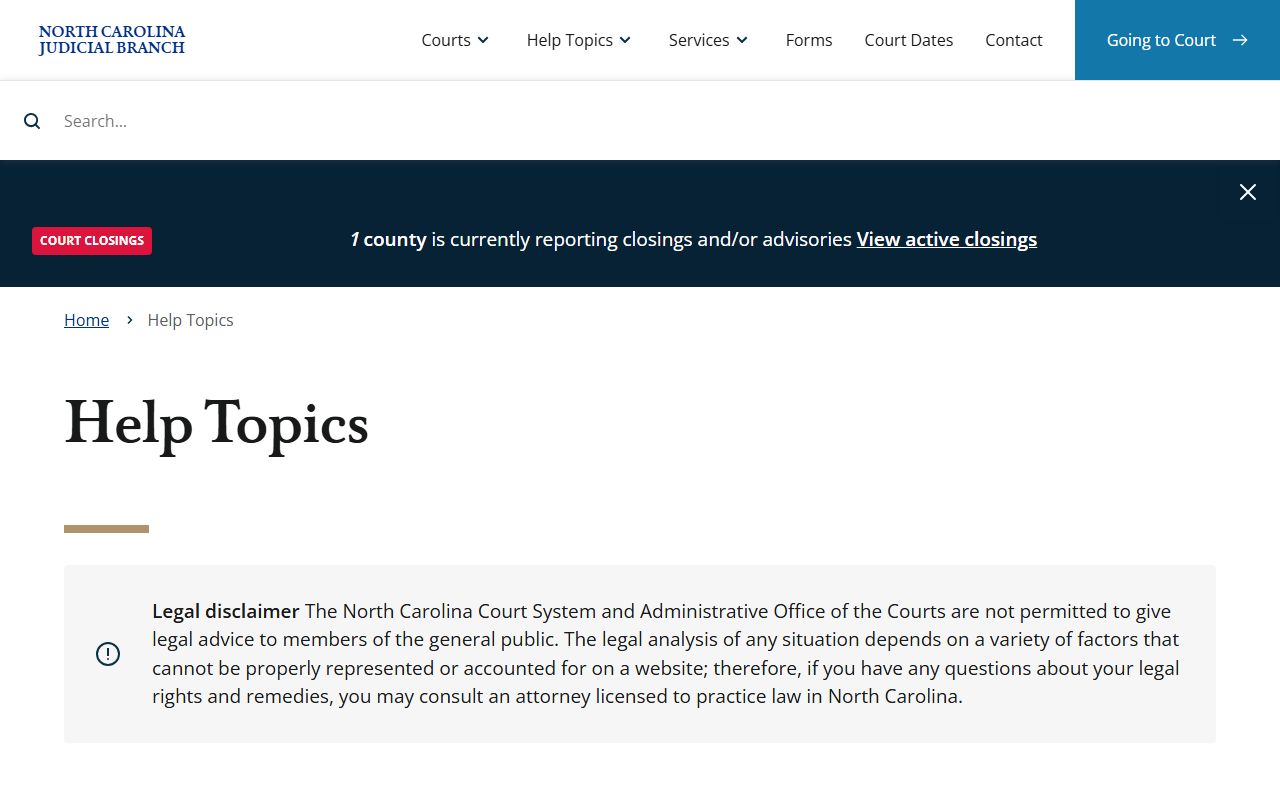
That hub links to estate guidance, deadlines, and the forms you may need to file. When you know which form you want, the forms search makes it easy to grab the right one.
The state's forms search lets you pull the exact estate or guardianship form by number or keyword.
Open the North Carolina Judicial Branch forms search to find probate and guardianship forms by name or category.
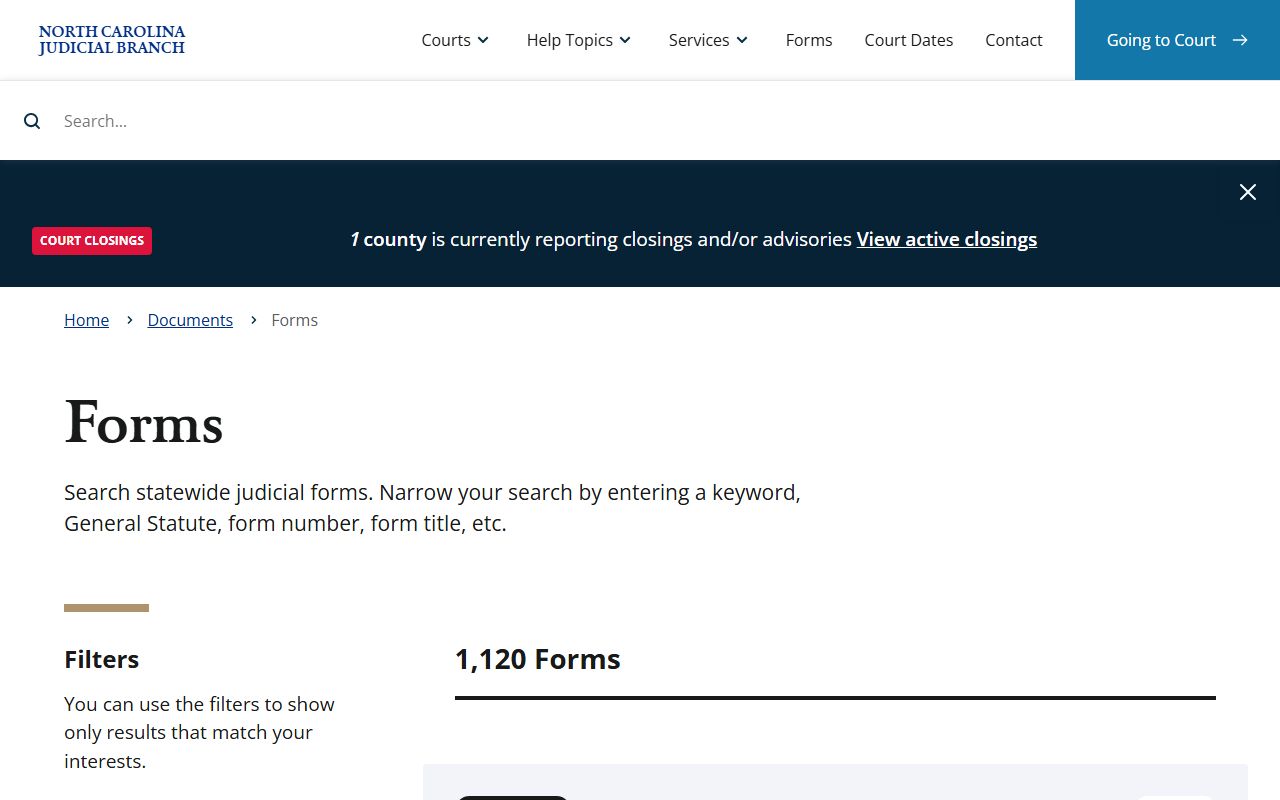
Using the official form keeps your filing in the format the clerk expects. For some workflows, the Guide & File tool builds the document for you online.
Guide & File prepares court documents at no cost for supported case types such as Probate, Adult Guardianship, and Small Claims.
Start a guided filing through Guide & File, the state's free online document service.
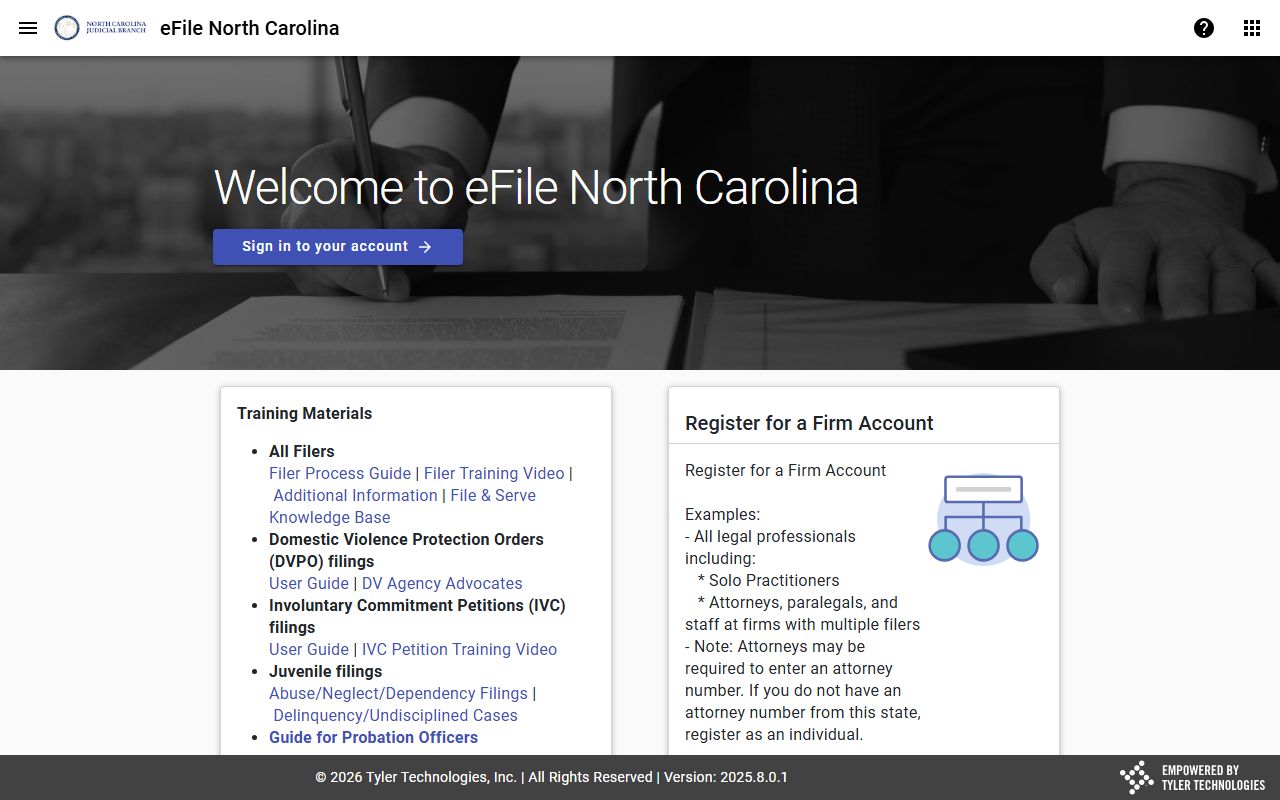
The tool asks plain questions and fills the form from your answers, then lets you print or file it. Even so, review every page before you submit.
Legal Help for Johnston County Estate Matters
Estates, contested wills, and guardianships can raise legal questions a form will not answer. For free civil legal help, Legal Aid of North Carolina serves eligible people across the state. When you want to hire a lawyer, the North Carolina Bar Association runs a referral service that connects you with an attorney. For anything contested, or where money and property are at stake, talk to a lawyer before you act.
The Bar Association's referral tool helps you find a licensed North Carolina attorney near you.
Use the North Carolina Bar attorney referral resource to locate a lawyer for estate or guardianship questions.
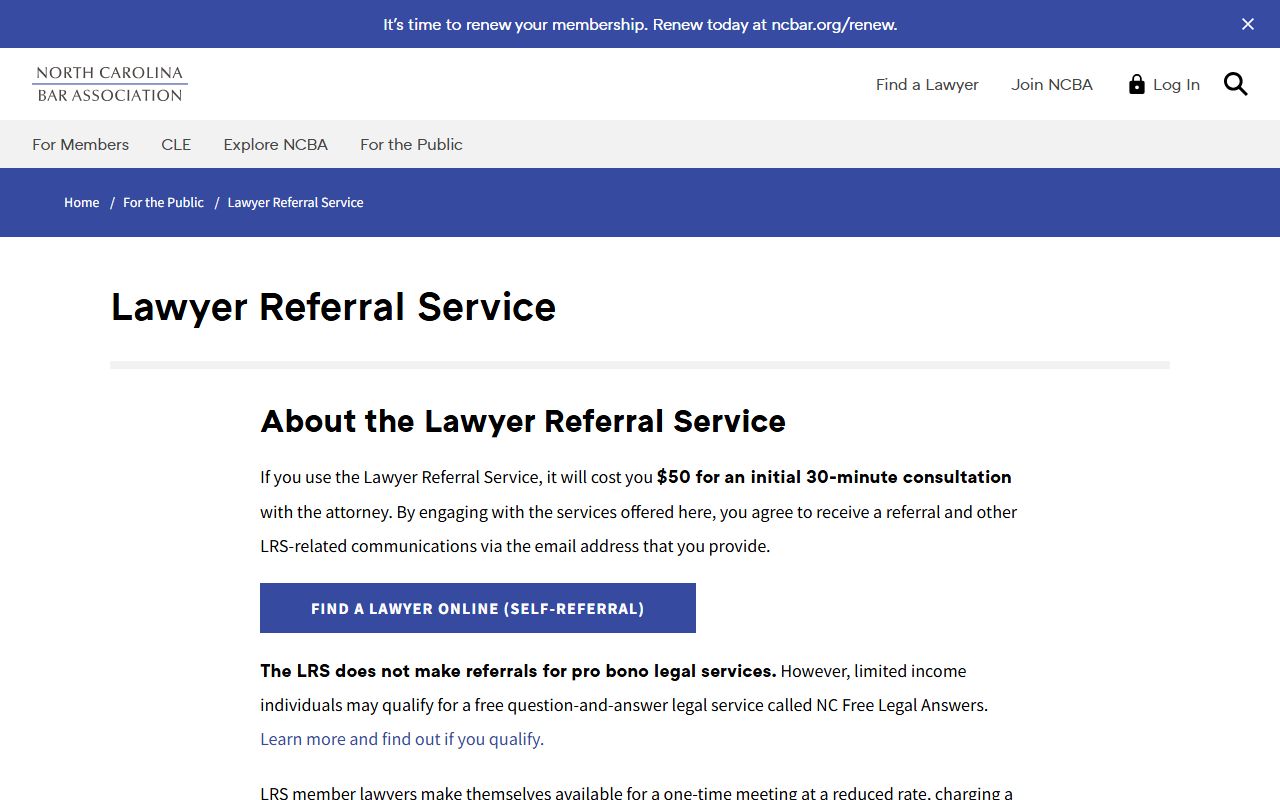
That tool sorts lawyers by practice area, so you can search for estate and probate work. For low-income help with civil matters, Legal Aid of North Carolina at legalaidnc.org runs clinics and offers guidance where you qualify.